
Blog Content
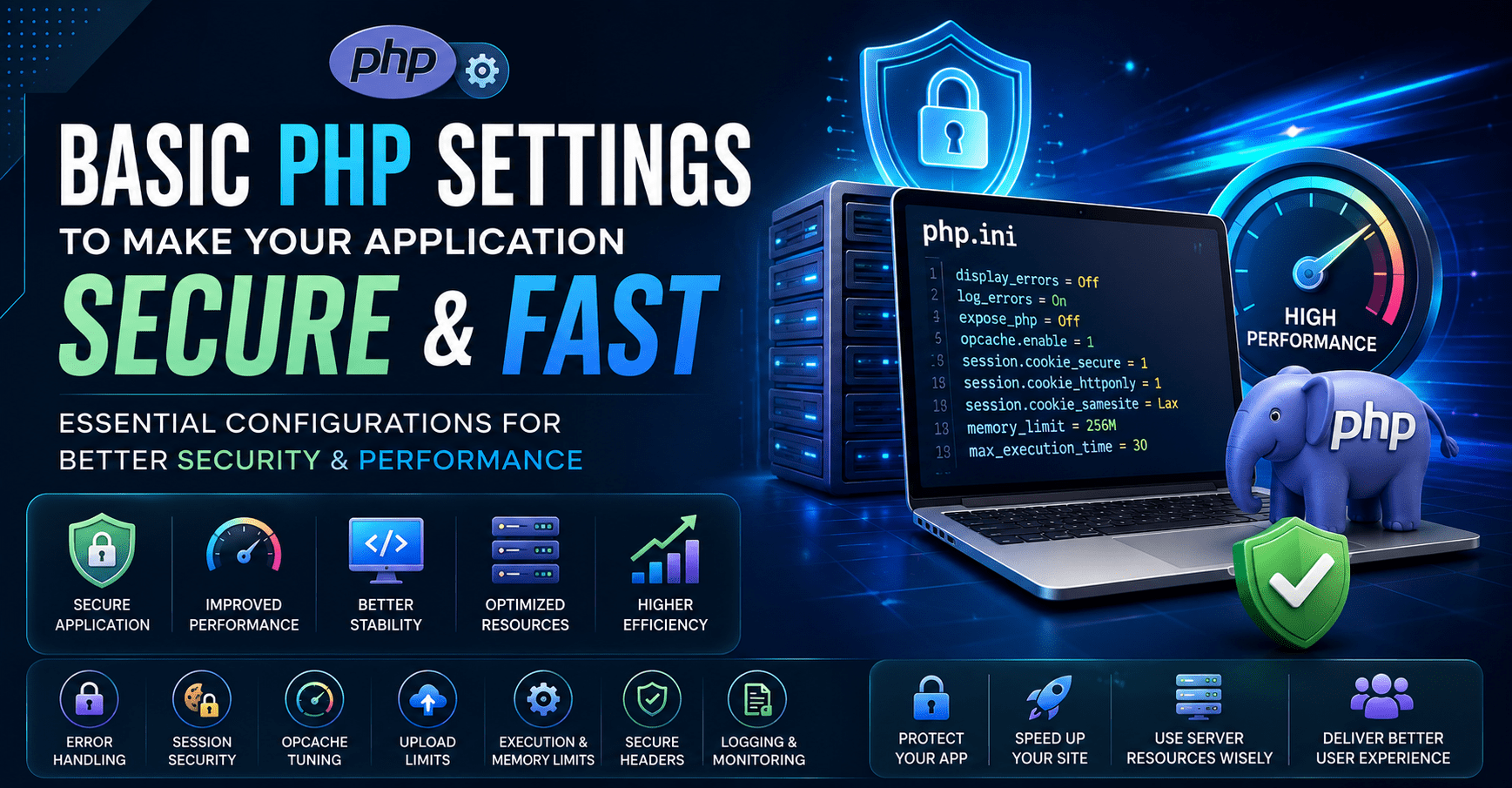
PHP application security and performance often start before the first line of business logic runs. The php.ini configuration, session settings, OPcache tuning, error handling rules, upload limits, and web server headers all influence how secure and fast an application feels in production.
A secure PHP setup should reduce information leakage, protect session cookies, limit risky runtime behavior, and prevent avoidable exposure. A performance-focused setup should enable OPcache, reduce filesystem overhead, tune memory carefully, and avoid unnecessary runtime checks in production.
The settings below are practical production defaults for modern PHP applications. They should be adjusted based on your framework, hosting environment, workload, and deployment process.
Production PHP Configuration Checklist
| Area | Recommended Setting | Purpose |
|---|---|---|
| Error Display | display_errors = Off | Prevents sensitive errors from appearing to users |
| Error Logging | log_errors = On | Keeps errors visible to developers through logs |
| PHP Exposure | expose_php = Off | Removes PHP version exposure from headers |
| OPcache | opcache.enable = 1 | Improves performance by caching compiled bytecode |
| Session Security | session.cookie_secure = 1 | Sends session cookies only over HTTPS |
| Cookie Protection | session.cookie_httponly = 1 | Blocks JavaScript access to session cookies |
| SameSite Cookies | session.cookie_samesite = Lax or Strict | Reduces CSRF exposure |
| Upload Limits | upload_max_filesize, post_max_size | Prevents oversized request abuse |
| Execution Time | max_execution_time | Limits long-running requests |
| Memory Limit | memory_limit | Prevents runaway memory usage |
PHP documents the available php.ini directives and their changeability levels in its official ini directive list, while OWASP provides specific hardening recommendations for PHP configuration and session cookies.
1. Disable Error Display in Production
In production, PHP errors should never be shown directly in the browser. Error messages can reveal file paths, database details, environment information, framework internals, and application logic.
| Setting | Production Value |
|---|---|
display_errors | Off |
display_startup_errors | Off |
log_errors | On |
error_reporting | E_ALL |
Recommended configuration:
display_errors = Off
display_startup_errors = Off
log_errors = On
error_reporting = E_ALL
This keeps errors hidden from users while still sending them to logs for debugging and monitoring.
2. Hide PHP Version Information
By default, PHP can expose version information through HTTP headers. This is unnecessary in production and gives attackers extra fingerprinting information.
| Setting | Recommended Value |
|---|---|
expose_php | Off |
expose_php = OffThis does not secure the application by itself, but it reduces avoidable information disclosure. OWASP’s PHP configuration guidance also recommends hardening PHP settings to reduce unnecessary exposure.
3. Enable and Tune OPcache
OPcache is one of the most important PHP performance settings. It stores compiled PHP bytecode in memory so PHP does not need to parse and compile scripts on every request. PHP’s OPcache documentation states that opcache.enable enables opcode caching and optimization.
Recommended production baseline:
opcache.enable = 1
opcache.memory_consumption = 256
opcache.interned_strings_buffer = 16
opcache.max_accelerated_files = 20000
opcache.validate_timestamps = 0
opcache.save_comments = 1| OPcache Setting | Why It Matters |
|---|---|
opcache.enable | Enables bytecode caching |
opcache.memory_consumption | Controls memory available for cached scripts |
opcache.max_accelerated_files | Supports larger codebases |
opcache.validate_timestamps | Avoids repeated file timestamp checks in controlled deployments |
opcache.save_comments | Keeps annotations/doc comments required by many frameworks |
For deployment workflows where code changes are released through CI/CD, opcache.validate_timestamps = 0 can improve performance, but you must reset OPcache during deployment.
4. Secure PHP Session Cookies
Session cookies are a common attack target. A secure PHP application should make session cookies HTTPS-only, inaccessible to JavaScript, and protected with an appropriate SameSite policy.
Recommended session settings:
session.cookie_secure = 1
session.cookie_httponly = 1
session.cookie_samesite = Lax
session.use_strict_mode = 1| Setting | Security Benefit |
|---|---|
session.cookie_secure = 1 | Sends cookies only over HTTPS |
session.cookie_httponly = 1 | Prevents JavaScript from reading session cookies |
session.cookie_samesite = Lax | Helps reduce CSRF risk |
session.use_strict_mode = 1 | Rejects uninitialized session IDs |
OWASP explains that the Secure cookie attribute ensures browsers only send cookies over encrypted HTTPS connections, helping protect session IDs from network interception.
5. Control File Upload Limits
Unrestricted uploads can create security and performance issues. Keep file limits realistic for the application.
Example:
file_uploads = On
upload_max_filesize = 10M
post_max_size = 12M
max_file_uploads = 10| Setting | Purpose |
|---|---|
upload_max_filesize | Limits individual file size |
post_max_size | Limits total request body size |
max_file_uploads | Prevents excessive file upload attempts |
file_uploads | Should only be enabled if the application needs uploads |
For applications that do not support uploads, disable them:
file_uploads = Off6. Set Safe Runtime Limits
Runtime limits protect the server from runaway scripts, heavy requests, and memory exhaustion.
Recommended baseline:
max_execution_time = 30
max_input_time = 60
memory_limit = 256M
max_input_vars = 3000| Setting | Recommended Starting Point |
|---|---|
max_execution_time | 30 seconds |
max_input_time | 60 seconds |
memory_limit | 256M |
max_input_vars | 3000 |
These values should be tuned for your application. For example, ecommerce platforms, import tools, and admin dashboards may need higher limits, but public-facing endpoints should stay conservative.
7. Restrict Dangerous Functions Carefully
Some teams disable risky PHP functions to reduce attack impact. This must be handled carefully because some frameworks, queues, deployment tools, and image libraries may rely on specific functions.
Example:
disable_functions = exec,passthru,shell_exec,system,proc_open,popen| Function Type | Risk |
|---|---|
| Shell execution functions | May enable command execution if exploited |
| Process control functions | Can create system-level risk |
| Unused filesystem functions | Can increase impact of file-based attacks |
Do not blindly copy a large disable_functions list. Test the application first.
8. Use Secure HTTP Headers
Some security protections are configured at the web server or application layer rather than only inside PHP.
Recommended headers:
| Header | Purpose |
|---|---|
Content-Security-Policy | Reduces XSS impact |
X-Frame-Options | Helps prevent clickjacking |
X-Content-Type-Options | Prevents MIME sniffing |
Referrer-Policy | Controls referrer leakage |
Strict-Transport-Security | Enforces HTTPS after first visit |
OWASP’s HTTP Headers Cheat Sheet explains that proper security response headers can help reduce risks such as XSS, clickjacking, and information disclosure.
9. Production vs Development Settings
Use separate PHP configurations for development and production.
| Setting | Development | Production |
|---|---|---|
display_errors | On | Off |
log_errors | On | On |
opcache.validate_timestamps | 1 | 0 with deployment reset |
expose_php | Off | Off |
session.cookie_secure | Depends on local HTTPS | 1 |
error_reporting | E_ALL | E_ALL |
Development should prioritize visibility. Production should prioritize security, stability, and performance.
10. Recommended Production php.ini Baseline
; Error handling
display_errors = Off
display_startup_errors = Off
log_errors = On
error_reporting = E_ALL

; Information disclosure
expose_php = Off

; Resource limits
max_execution_time = 30
max_input_time = 60
memory_limit = 256M
max_input_vars = 3000

; Upload controls
file_uploads = On
upload_max_filesize = 10M
post_max_size = 12M
max_file_uploads = 10

; Session security
session.cookie_secure = 1
session.cookie_httponly = 1
session.cookie_samesite = Lax
session.use_strict_mode = 1

; OPcache performance
opcache.enable = 1
opcache.memory_consumption = 256
opcache.interned_strings_buffer = 16
opcache.max_accelerated_files = 20000
opcache.validate_timestamps = 0
opcache.save_comments = 1
Final Thoughts
A secure and high-performing PHP application is not created only by writing clean code. It also depends on a well-tuned runtime environment.
At a minimum, production PHP applications should disable public error display, enable error logging, hide PHP version exposure, secure session cookies, enable OPcache, control uploads, set resource limits, and apply security headers.
The best results come from treating PHP configuration as part of the deployment pipeline, not a one-time server setup.